
Journal
Product notes.
Updates on GreyWallet, supported networks, and the features that ship.
Browse
6 notes
Private Vaults in a self-custody wallet: privacy on device, not invisible crypto
Looking for a hidden wallet or private crypto vault? GreyWallet Private Vaults isolate wallets behind a private pattern on your phone — device-level privacy, not undetectable on-chain activity. Here’s what that means in practice.
Read ↗
HD wallet derivation path and account index explained (BIP-style control in GreyWallet)
Empty balance after importing a seed phrase? Wrong derivation path or account index is the usual cause. Learn how GreyWallet handles phrase length, chain family, path, and index during create and import.
Read ↗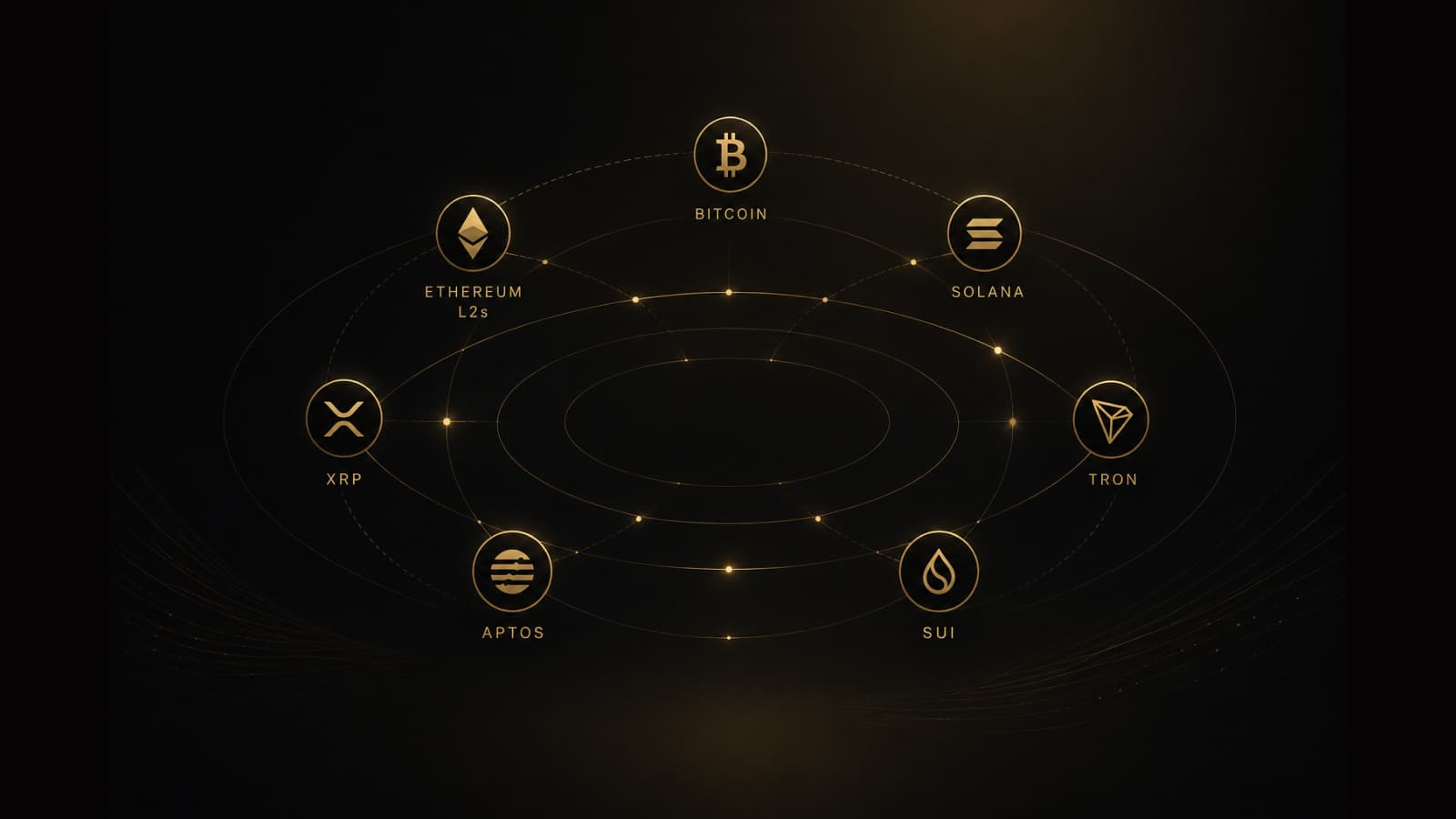
Multichain self-custody wallet: Bitcoin, Ethereum L2s, Solana, XRP, Tron, Aptos, and Sui in one app
Best multichain wallet searches usually mean one app across key spaces — not one chain. GreyWallet covers seven derivation families: Bitcoin, EVM (Ethereum, L2s, and Cronos), Solana, Aptos, Sui, XRP, and Tron.
Read ↗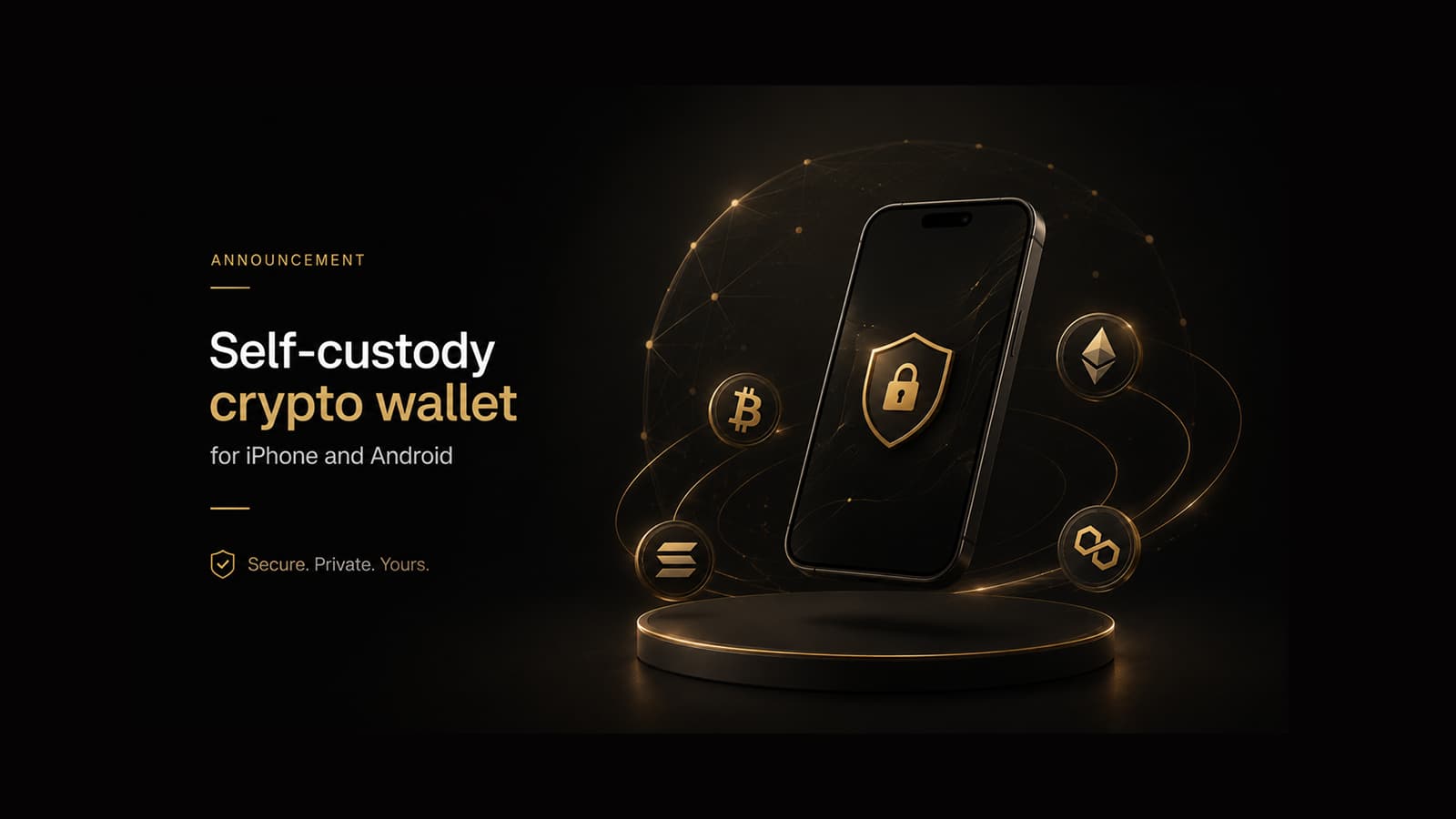
Self-custody crypto wallet for iPhone and Android: GreyWallet mobile release
Looking for a self-custody wallet on iOS or Android? GreyWallet ships on phone platforms now — HD create/import, multichain coverage, Private Vaults. Desktop and hardware pairing are not in this release.
Read ↗
What self-custody means: recovery phrase and private keys stay on your device
Self-custody wallet meaning, explained without hype: GreyWallet does not hold your seed phrase. If you lose it, support cannot recover funds. Here is how to back up safely and avoid phishing.
Read ↗
How to create or import a crypto wallet without losing funds (GreyWallet guide)
Step-by-step: create a new HD wallet or import an existing seed phrase in GreyWallet. Match chain family, derivation path, and account index — or you will open a different account.
Read ↗