
Security
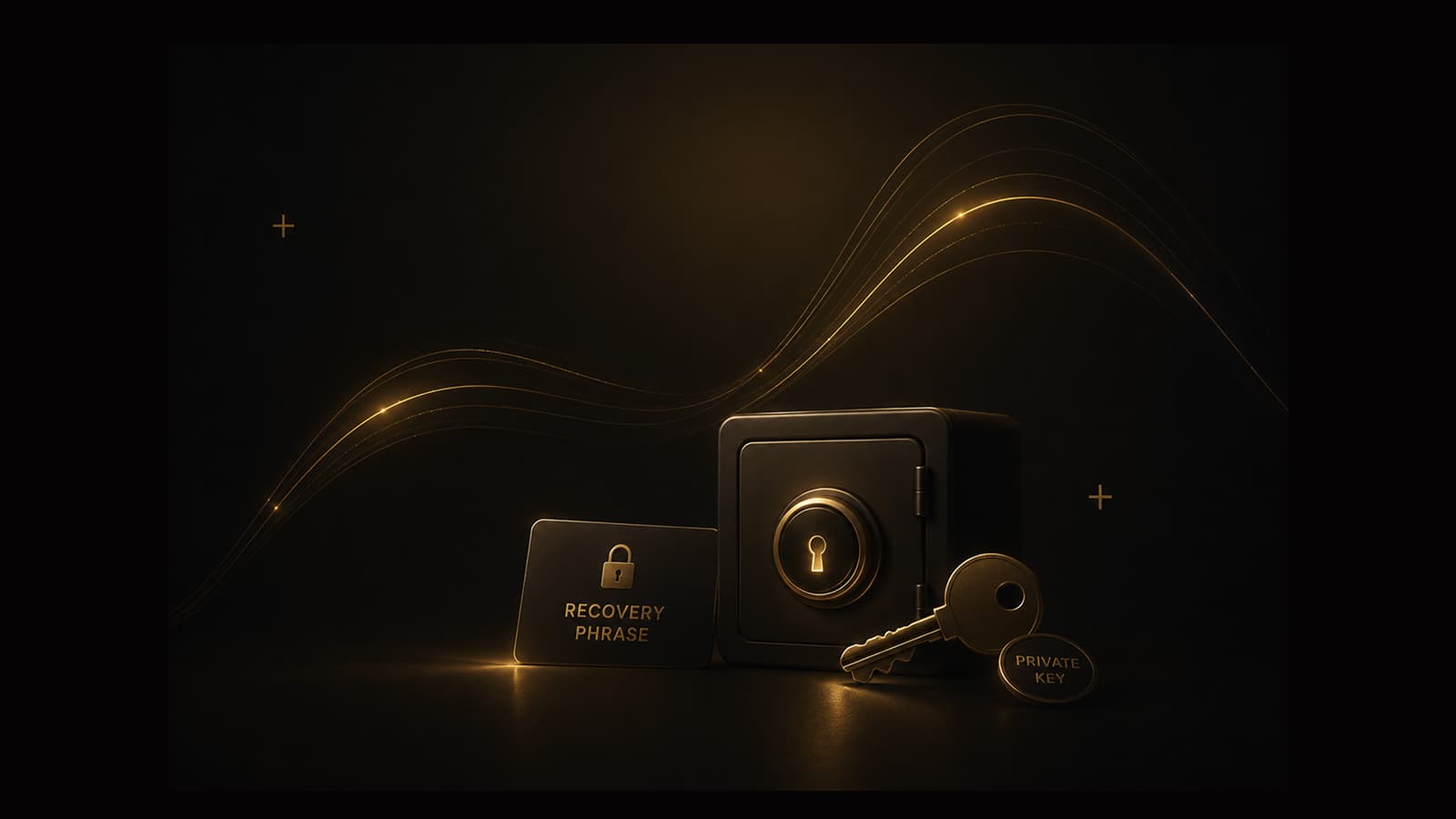
What self-custody means: recovery phrase and private keys stay on your device
Self-custody wallet meaning, explained without hype: GreyWallet does not hold your seed phrase. If you lose it, support cannot recover funds. Here is how to back up safely and avoid phishing.
“What is self-custody,” “non-custodial wallet vs exchange,” and “can support recover my seed phrase” are among the most searched crypto security questions. The short answer for GreyWallet: keys are generated or entered on your device. Grey Holdings does not custody your phrase for recovery — by design.
Self-custody means control and responsibility travel together. If nobody else holds your keys, nobody else can reset them for you.
Non-negotiable
Custodial vs self-custody
On an exchange, the platform holds withdrawal keys. You trust their login, KYC, and solvency. In self-custody, your recovery phrase derives the keys that sign transactions. GreyWallet is self-custody software — a Grey Holdings product — not a bank account for crypto.
- Custodial — platform can freeze, recover, or lose access on your behalf.
- Self-custody — you sign; you back up; you bear loss if the phrase is exposed or lost.
- GreyWallet support helps with product questions — never with reconstructing secrets.
How to back up a recovery phrase
- 01Write the phrase offline — paper or another method you control.
- 02Do not store it as a screenshot in iCloud Photos, Google Photos, or email drafts.
- 03Verify you can read every word before you send funds to the address.
- 04Store backups where fire, theft, and casual discovery are considered.
Phishing patterns that still work
Attackers impersonate wallet support, airdrops, and “sync” pages. They ask for the phrase, a Private Vaults pattern, or a screenshot of secrets. GreyWallet will never require those in email or chat.
- Official support: support@greywallet.app — still never send secrets there.
- Ignore DMs that rush you to “validate” a wallet.
- Type greywallet.app yourself; do not follow ads blindly.
- If a phrase may be exposed, move funds to a new wallet and abandon the old phrase.
Never share your recovery phrase, private keys, or Private Vaults pattern — not with support, not in screenshots, not to claim a reward.
Device habits
Use screen lock on the phone. Keep the OS updated. Prefer official store installs. Private Vaults can reduce shoulder-surfing risk for selected wallets, but they do not replace a strong device PIN or biometrics.
If you lose the phrase
There is no GreyWallet master key. Without the phrase (and the correct path/index for that account), funds on those addresses are inaccessible. Plan backups before the first deposit — not after.
Read Security and Recovery phrase in Docs for the operational checklist. Self-custody is the product; clarity is the safety feature.