
Announcements
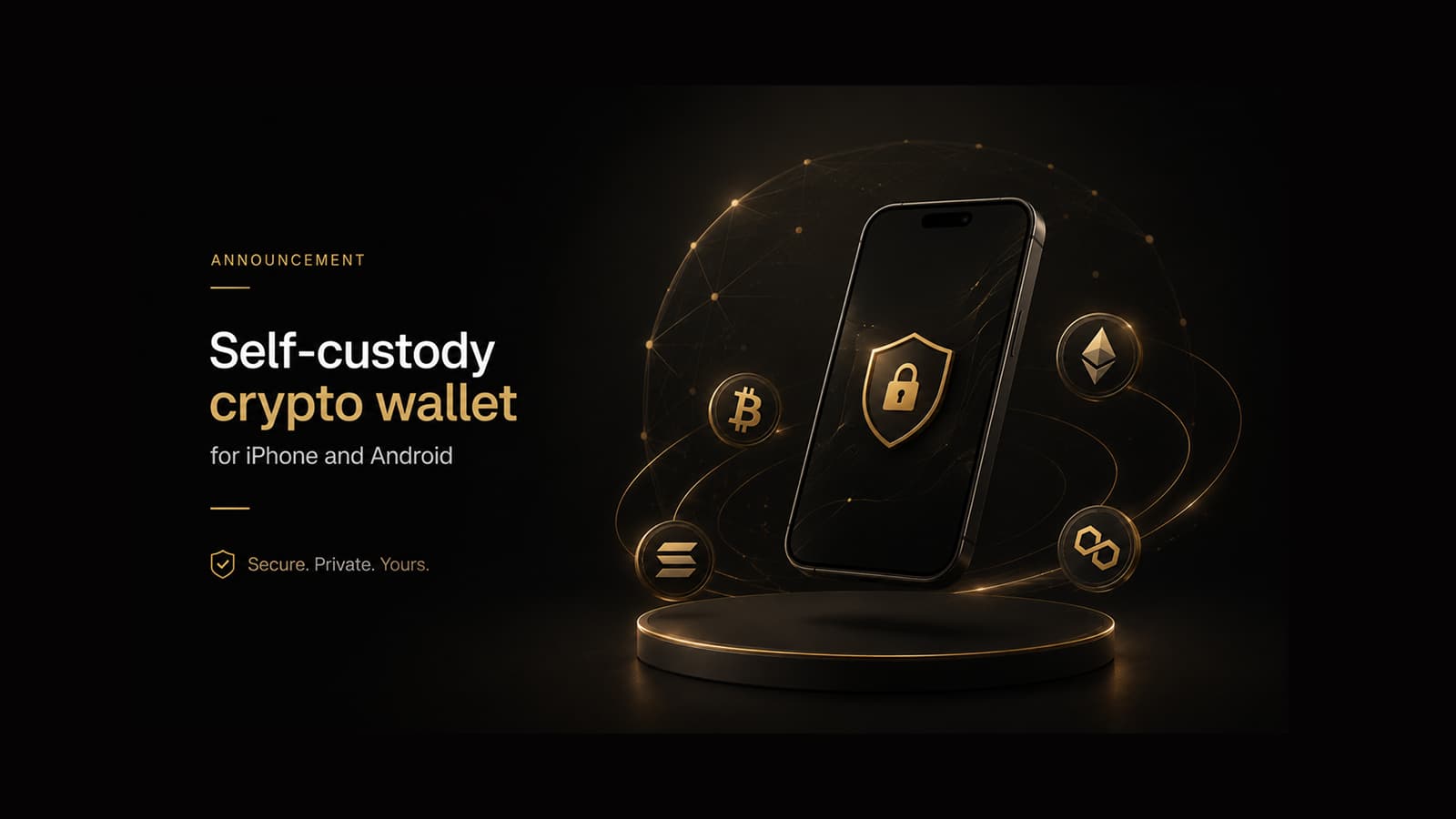
Self-custody crypto wallet for iPhone and Android: GreyWallet mobile release
Looking for a self-custody wallet on iOS or Android? GreyWallet ships on phone platforms now — HD create/import, multichain coverage, Private Vaults. Desktop and hardware pairing are not in this release.
Searches like “best crypto wallet for iPhone,” “Android self-custody wallet,” and “mobile HD wallet app” keep rising as more users refuse to leave keys in exchange custody. GreyWallet is a Grey Holdings product built for that mobile-first workflow: create or import on device, control derivation, and manage supported networks from iOS or Android.
Available now on iOS and Android. Desktop clients and hardware wallet support are not included in this release — we say so up front.
Platform status
What you get on mobile
- Self-custody HD wallets — phrase and keys stay on your device.
- Create and import with phrase length, chain family, path, and account index.
- Multichain coverage across Bitcoin, Litecoin, Dogecoin, EVM networks, Cronos, Solana, Aptos, Sui, Movement, XRP, and Tron.
- Send, receive, activity, and Private Vaults for device-level isolation.
How to install safely
- 01Open only the official App Store or Google Play listing linked from greywallet.app/download.
- 02Ignore lookalike apps, DMs, and “support” links that ask for your phrase.
- 03After install, create a new wallet or import one you already control.
- 04Write the recovery phrase offline before you fund the account.
Why mobile-only (for now)
Shipping a precise mobile product beats promising desktop and hardware before they are ready. When those platforms ship, Journal and Download will update. Until then, treat phone installs as the supported path.
Not in this release
- Desktop wallet clients.
- Hardware wallet pairing / signing bridges.
- Browser-extension custody models — GreyWallet is the native app.
If a site asks you to paste your recovery phrase into a browser form to “sync mobile,” stop. Real GreyWallet setup happens in the app on your phone.
After you download
Start with Getting started in Docs, then Create or Import. If you need privacy separation on the same phone, read the Private Vaults note. For network coverage, open Networks before you bridge or deposit large amounts.
GreyWallet is a product of Grey Holdings. Support is at support@greywallet.app — never for phrases, keys, or Private Vaults patterns.