
Networks
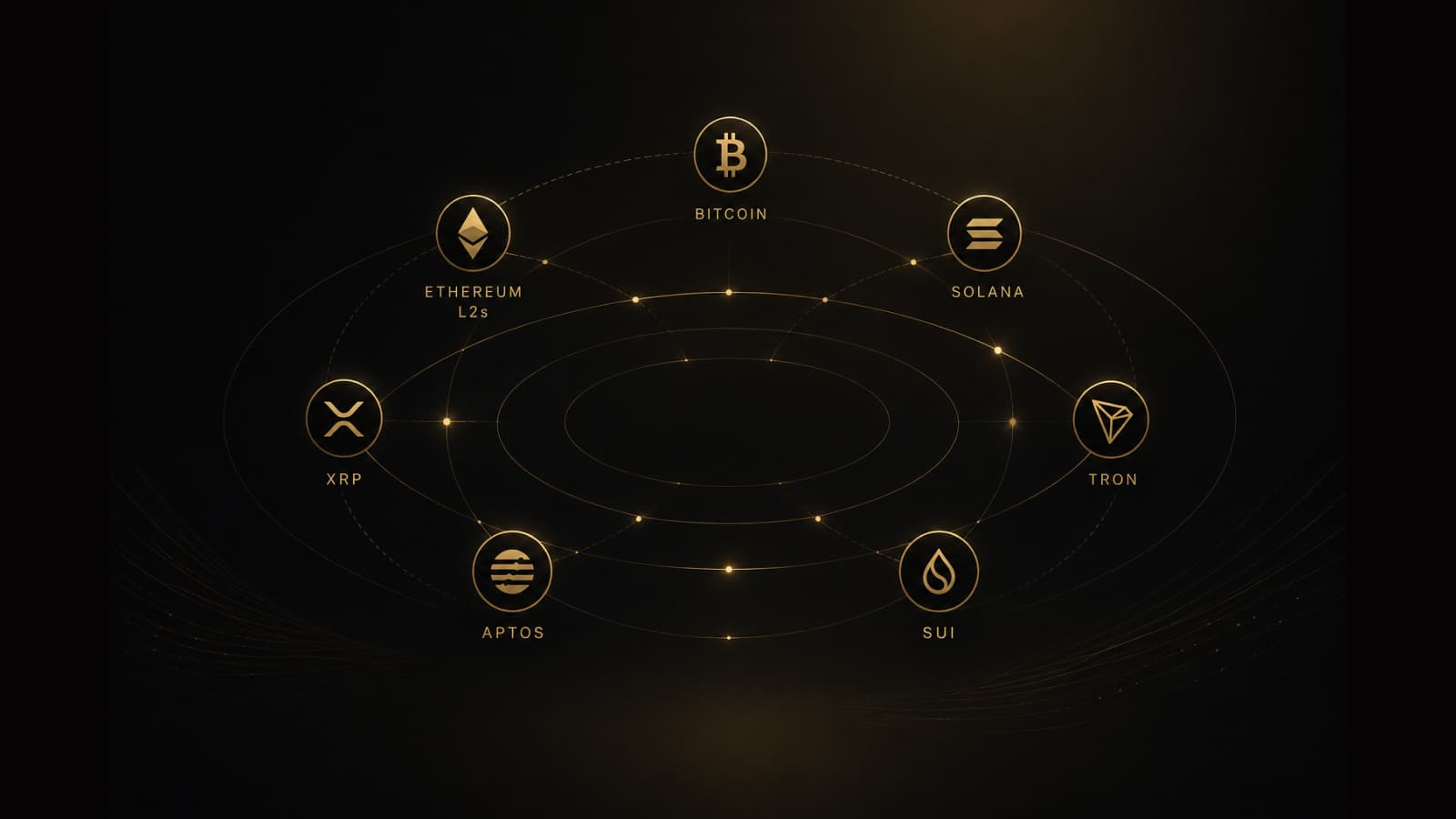
Multichain self-custody wallet: Bitcoin, Ethereum L2s, Solana, XRP, Tron, Aptos, and Sui in one app
Best multichain wallet searches usually mean one app across key spaces — not one chain. GreyWallet covers seven derivation families: Bitcoin, EVM (Ethereum, L2s, and Cronos), Solana, Aptos, Sui, XRP, and Tron.
“Best multichain wallet,” “Ethereum and Bitcoin wallet,” “Solana self-custody app,” and “XRP Tron wallet” are related questions. The underlying issue is key space: networks that look similar in a UI may not share the same derivation family. GreyWallet is built around seven families, with network selection inside each where it applies.
Switching the network you view is not the same as restoring the correct chain family on import. Mixing those up is how empty balances happen.
The seven key spaces
Bitcoin
Bitcoin is UTXO-based with an isolated key space. Litecoin and Dogecoin restore against this family — not an EVM account. If you hold BTC, LTC, or DOGE, import with the Bitcoin family selected.
EVM — Ethereum, L2s, and Cronos
Ethereum, Optimism, Arbitrum, Base, Polygon, BNB Smart Chain, Avalanche, zkSync Era, Linea, Blast, Scroll, Cronos, and other supported EVM networks share one signing model. You pick the network in-app; the derivation family stays EVM. That is why one EVM account can appear across multiple L2s once the network is selected.
- Same EVM key space — different execution networks.
- Always confirm network before you send or share a receive address.
- Wrong-network deposits are a leading cause of lost funds — support cannot reverse them.
Solana
Solana uses an independent key space from Bitcoin and EVM. Native Solana coverage in GreyWallet means SOL and Solana assets are restored under the Solana family — not by selecting an EVM L2.
Aptos, Sui, and Movement
Aptos and Sui are Move networks with first-class families and their own default paths. Movement sits with Aptos. They sit alongside Bitcoin, EVM, Solana, XRP, and Tron — not as afterthoughts or “EVM-compatible” shortcuts.
XRP and Tron
XRP Ledger and Tron are first-class families. Restore against those families — an EVM path will not find XRP or TRX. Confirm the network before you share an address.
DeFi and NFTs where the app supports them
On selected networks, GreyWallet surfaces DeFi positions and NFT collections alongside balances and transfers. Coverage varies by network — check the live Networks page and each chain’s wallet page for what this release includes. Do not assume every L2 has identical DeFi tabs.
Seven key spaces. One self-custody wallet. Network list is product truth — not a logo collage of unsupported chains.
GreyWallet networks principle
How to choose the right setup
- 01List the assets you actually hold (BTC, ETH on Base, SOL, APT, etc.).
- 02Map each to a family: Bitcoin, EVM, Solana, Aptos, Sui, XRP, or Tron.
- 03Create or import with that family, then select the exact network for EVM assets.
- 04Verify a small receive/send before moving large amounts.
What we do not claim
GreyWallet does not invent unsupported chains for SEO. If a network is not on the confirmed list, it is not in the product. That honesty matters more than stuffing logos onto a marketing page.
Browse Networks for the live catalog, or open Wallet for [chain] pages for network-specific detail. Download on iOS or Android to manage those families from one advanced wallet.