
Self-custody
DOGE stays under keys on your device. GreyWallet does not hold balances for you.
Assets
Hold and transfer DOGE in self-custody on supported chains.
Portfolio
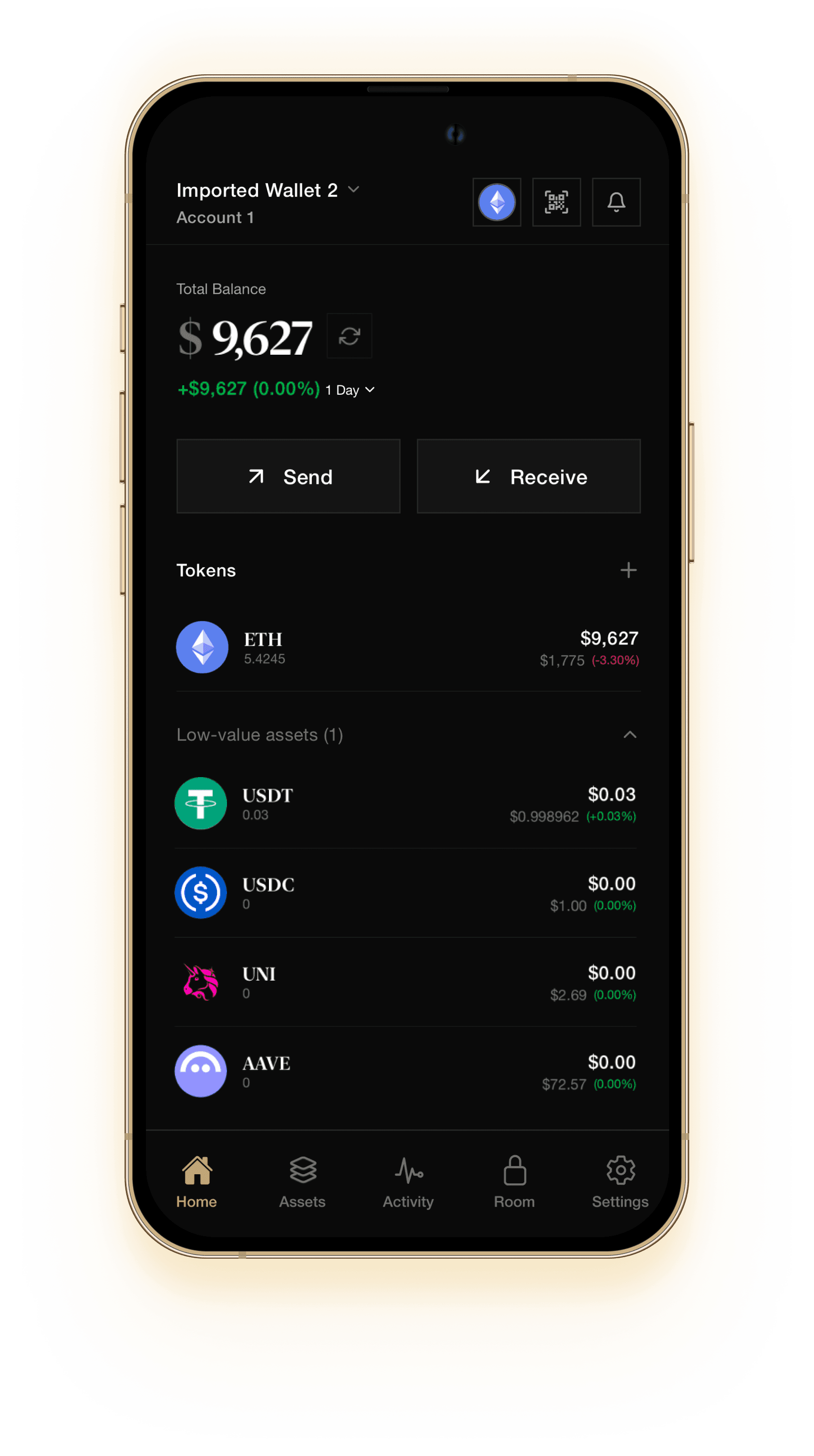
Balances, send, and receive live in one place. DOGE appears with your other assets on supported chains — refresh, track value, and move when you are ready.
Transfer
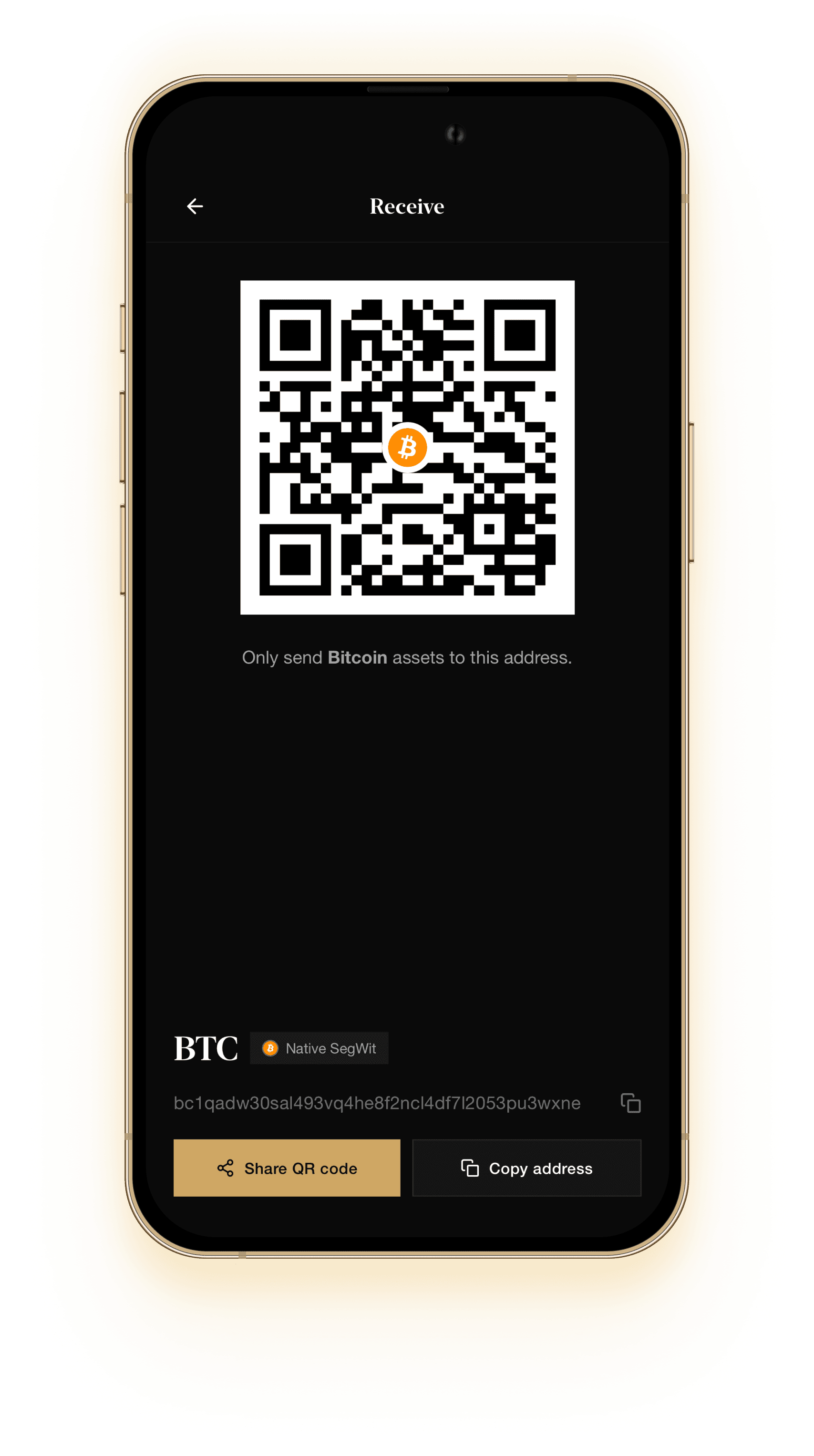
Share a QR or copy an address for DOGE. Always match the asset to the chain you intend — wrong-network deposits are not recoverable by support.
Setup
During create or import, choose phrase length, review each chain family, and set derivation path and account index. Defaults are recommended — customize when you need a specific account.
Advanced derivation ↗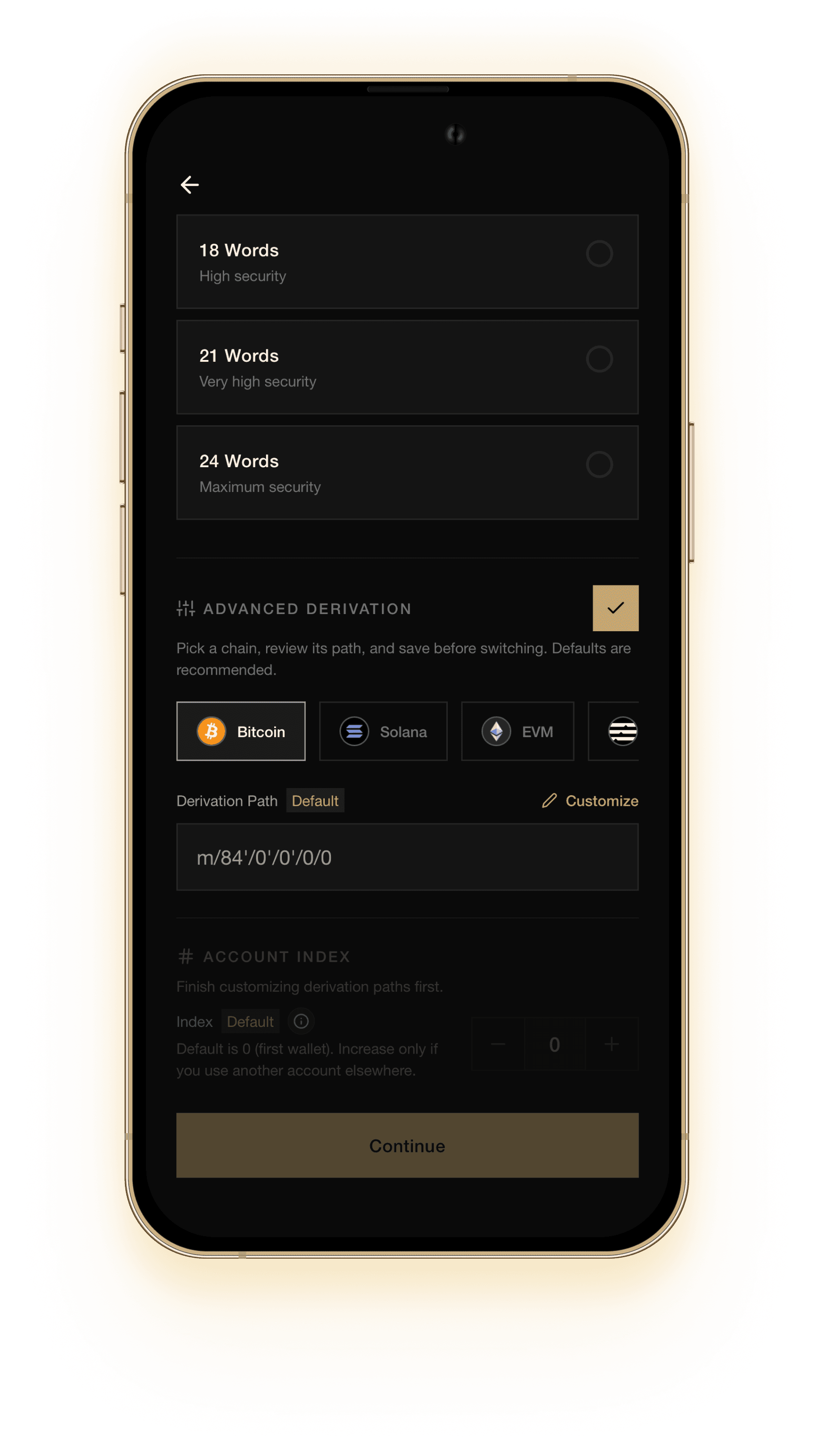
DOGE in GreyWallet
DOGE stays under keys on your device. GreyWallet does not hold balances for you.
Send and receive DOGE on the chains the app supports. Confirm the asset and network before you sign.
HD create and import, derivation control, and Private Vaults — the same product for every supported asset.
Get started
Download GreyWallet, create or import a wallet, then receive DOGE on a supported chain. Never share your recovery phrase or private pattern.